default
text-align-left

Virtual Try‑on: See Yourself in Great New Glasses.

text-dark
Try on Frames Virtually Anytime, Anywhere.
text-dark
Give It A Try
hero-btn-2
hero-left-bleed
mobile-text-top
L
M

Trying on glasses just got a whole lot easier.

frames
XL
teaser-img-40-60
true

How to Create a Virtual Try‑on

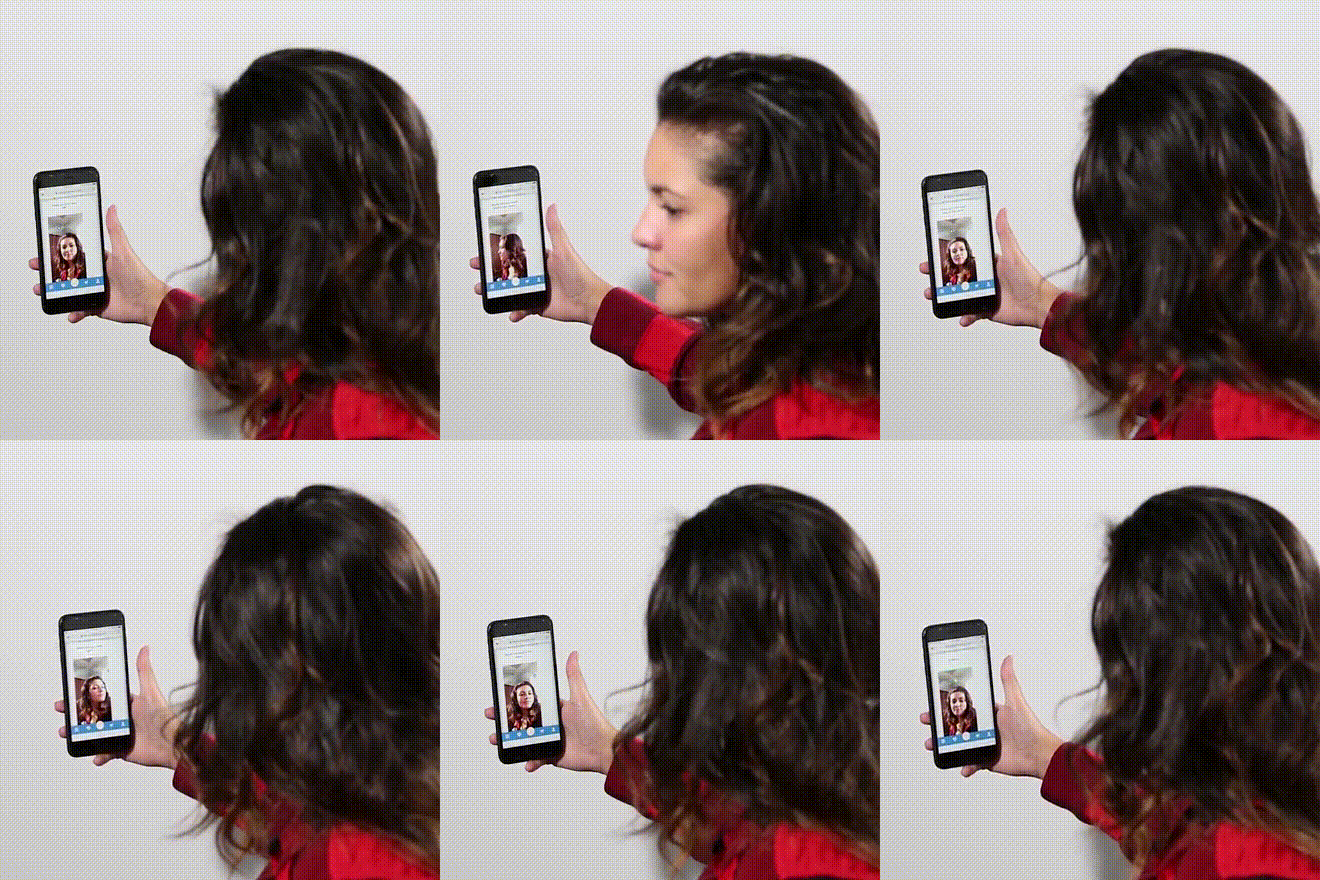
  1. Choose a pair of eyeglasses you would like to try.
  2. Click the “Virtual Try On” button.
  3. Allow access to your device’s front-facing camera when prompted.
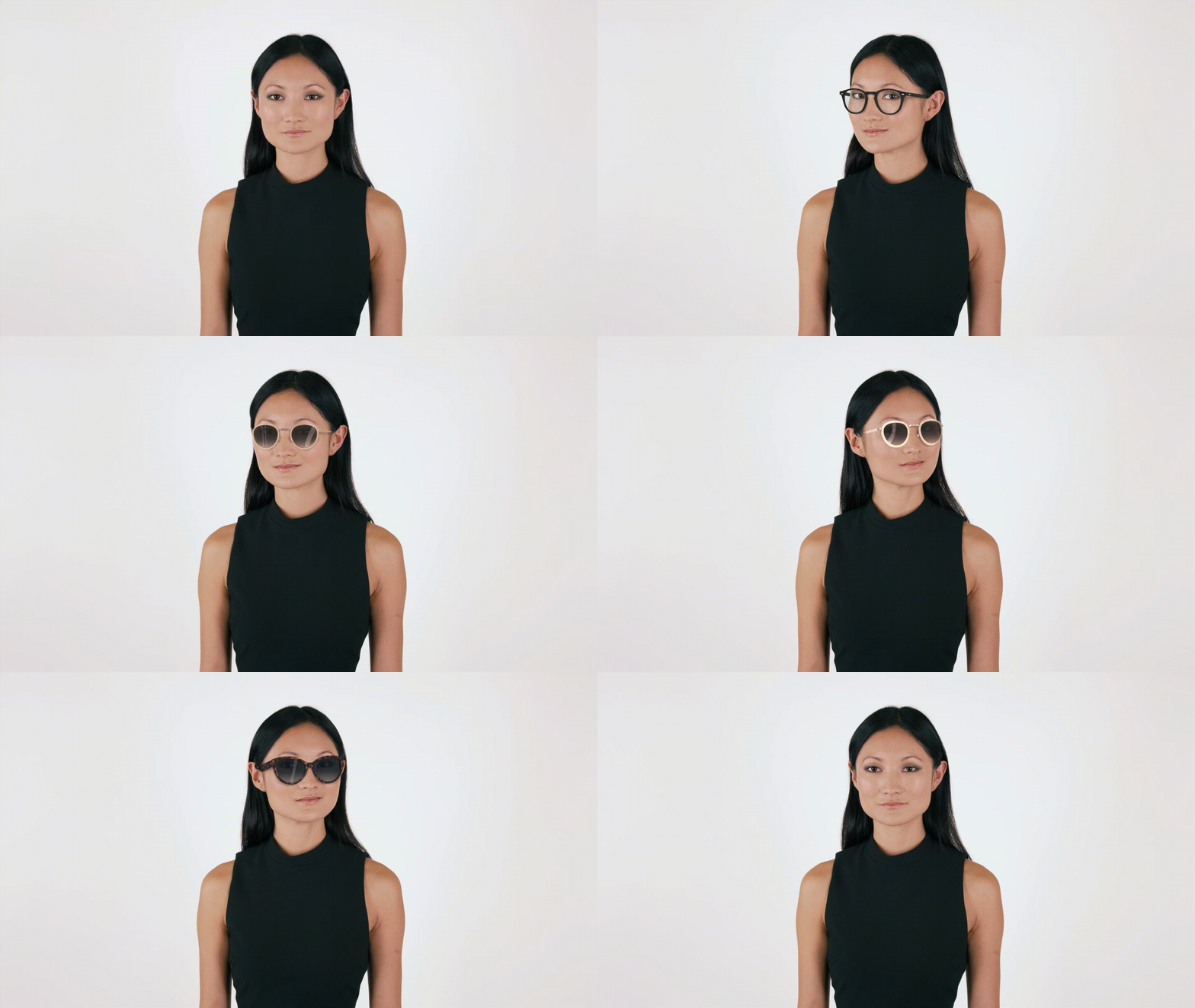
  4. Look straight at the camera—our smart fit tech will do the rest (no need to remove your glasses!).
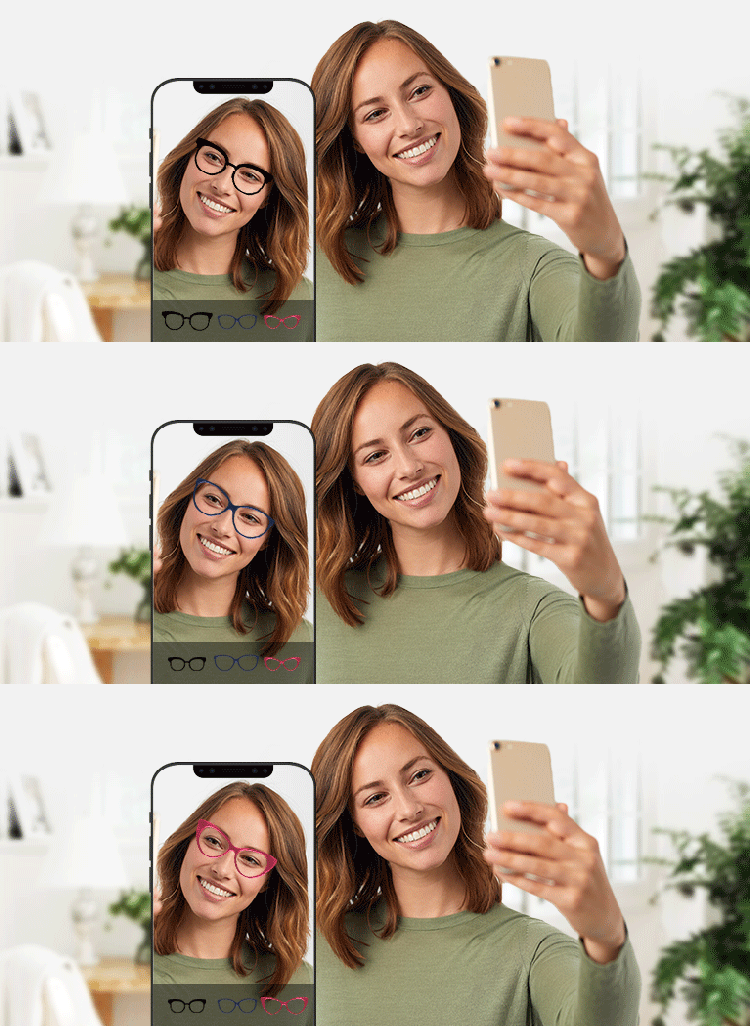
  5. Instantly see how the frames look on your face, from multiple angles.
XL
teaser-img-40-60
true

Our Tips for Best Results:

  1. Bright, natural light helps your camera capture your face more clearly—avoid backlighting or shadows.
  2. Hold your head level and look directly at the camera for the most accurate frame fit.
  3. Virtual try-on works best on modern smartphones, tablets, or computers with a high-resolution front camera.
  4. Experiment with different shapes, sizes, and colors to see what suits your face best.
XL

Not finding what you're looking for? Try searching here: